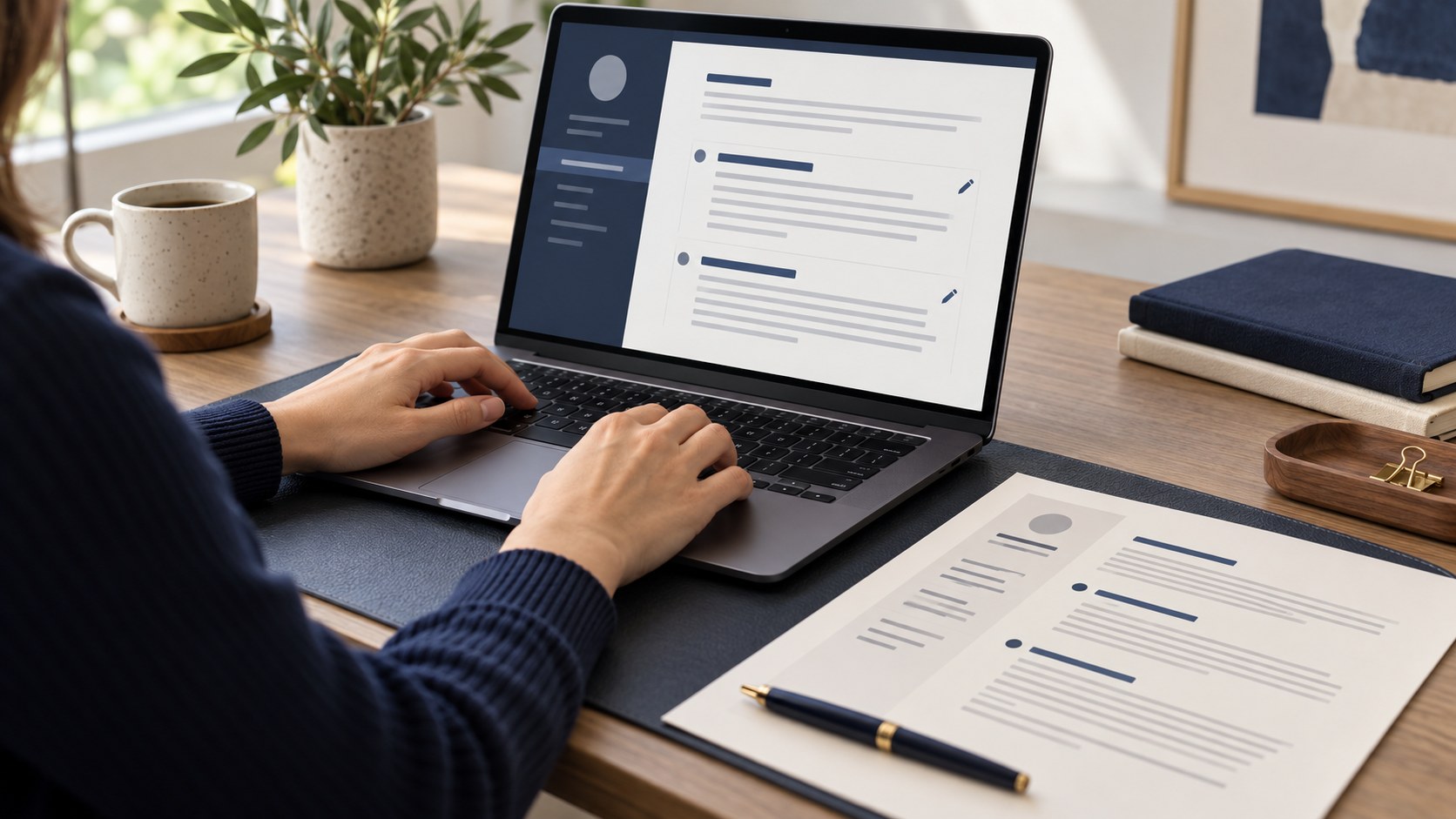
A preview is not the same as the exported file
A correct appearance in the builder does not prove that export was problem-free. Fonts, page sizes, images and line breaks can change when a PDF is created. Open the final file separately. Reviewing it before sending is easier than explaining missing information afterwards.
Save the CV in CVyukle and inspect the result of your chosen download method. Does it open, are all pages present and does the photograph display correctly? If using browser printing to create a PDF, check for page addresses and technical headers or footers. They are not part of your CV. After correcting source information, export a new file rather than sending an older copy.
Inspect page breaks and empty areas
Review the beginning and end of every page. A heading left alone while its section starts on the next page interrupts reading. If a link runs outside the page or a line is cut off, shorten it and adjust formatting. Do not reduce text to an uncomfortable size just to reach one page.
Length depends on your experience and the employer's instructions. One page may be convenient, while two may also be justified. Remove repetition while preserving important facts. If the last page holds only a couple of short entries, inspect the size of earlier blocks. Export again after changes and reopen the result. Looking at the editor is not a substitute for checking the new export.
Test text selection and characters
Search for your name, select a few sentences and copy them. Check Azerbaijani letters and any other special characters. Some export methods save the page as an image, so the appearance is correct but the text is not selectable. The PDF extension alone does not identify whether a text layer exists.
If the employer asks for a text-based document or a particular format, follow that requirement. A selection test is useful but does not promise acceptance by every ATS. Check information extracted by an application portal and correct misread contacts. A file opening successfully and being processed accurately are different checks. Do not rely solely on its visual appearance.
Review telephone, email and links
Contacts are the most practical part of the document. Check digits, the country code and email spelling. Open active links from the final PDF itself. A deleted portfolio or permission-restricted page will not show your work to an employer. Devices can handle links differently, so do not assume they all behave the same way.
Open the document on another phone or computer when possible. Fix very small text or poor contrast. After attaching it to an email, confirm that the correct version was selected. Similar filenames can easily lead to an outdated attachment. Do not expect the recipient to identify which of several documents is current without clear information.
Use a clear filename and review privacy
Firstname_Lastname_Role_CV.pdf makes the document recognisable. A name such as final_final_new2 communicates little. Do not include an identity-document number or another sensitive identifier in the filename. Banking details, an unnecessary full address and identity numbers do not normally belong inside the CV either.
Before uploading to a third-party service, consider its data practices. A CV contains contacts and work history; it does not need to be sent to every free converter. Check permission before sharing work samples containing client information. Reducing file size should not sacrifice readability. After compression or conversion, open the resulting document and repeat the relevant checks.
Record the version you submitted
Before sending, review the vacancy, employer, language and instructions. Remove any previous recipient's name from the message. Keep portal confirmation when available. For email, check the recipient and attachment. If no reply arrives, first make sure the application channel was correct.
Record the date and file version. Even after updating your information, you can prepare for an interview using the document the employer saw. Editing a CV in CVyukle and exporting it again is normal; each version needs its own final review. This simple routine helps catch contact, date and format errors while avoiding dependence on memory alone.
Final checklist
- The final PDF opens with all pages present.
- Headings, page breaks and special characters have been checked.
- Text selection and the required format have been tested.
- Telephone, email and portfolio links work.
- The filename and personal information have been reviewed.
- The submitted version and application date are recorded.