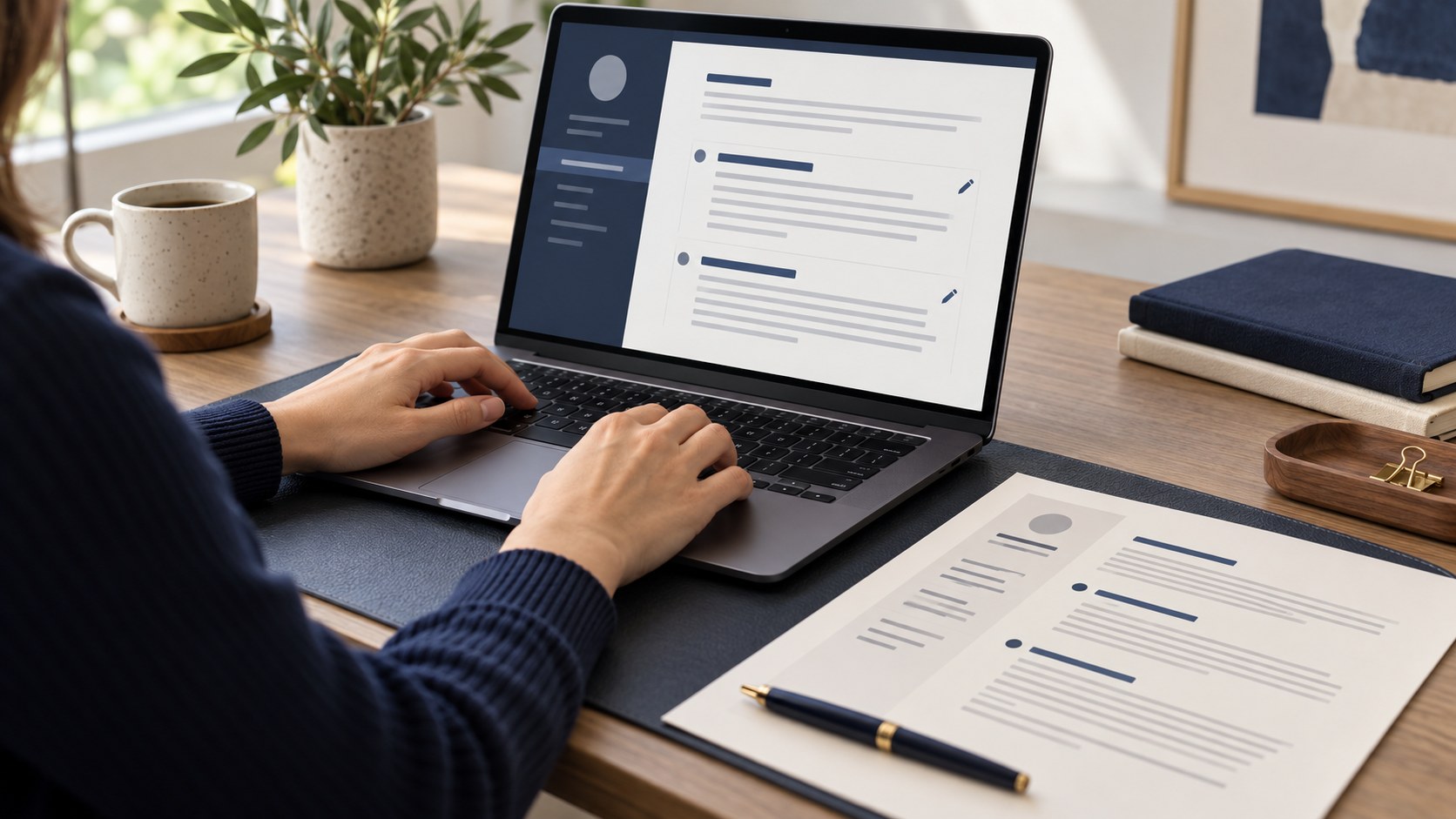
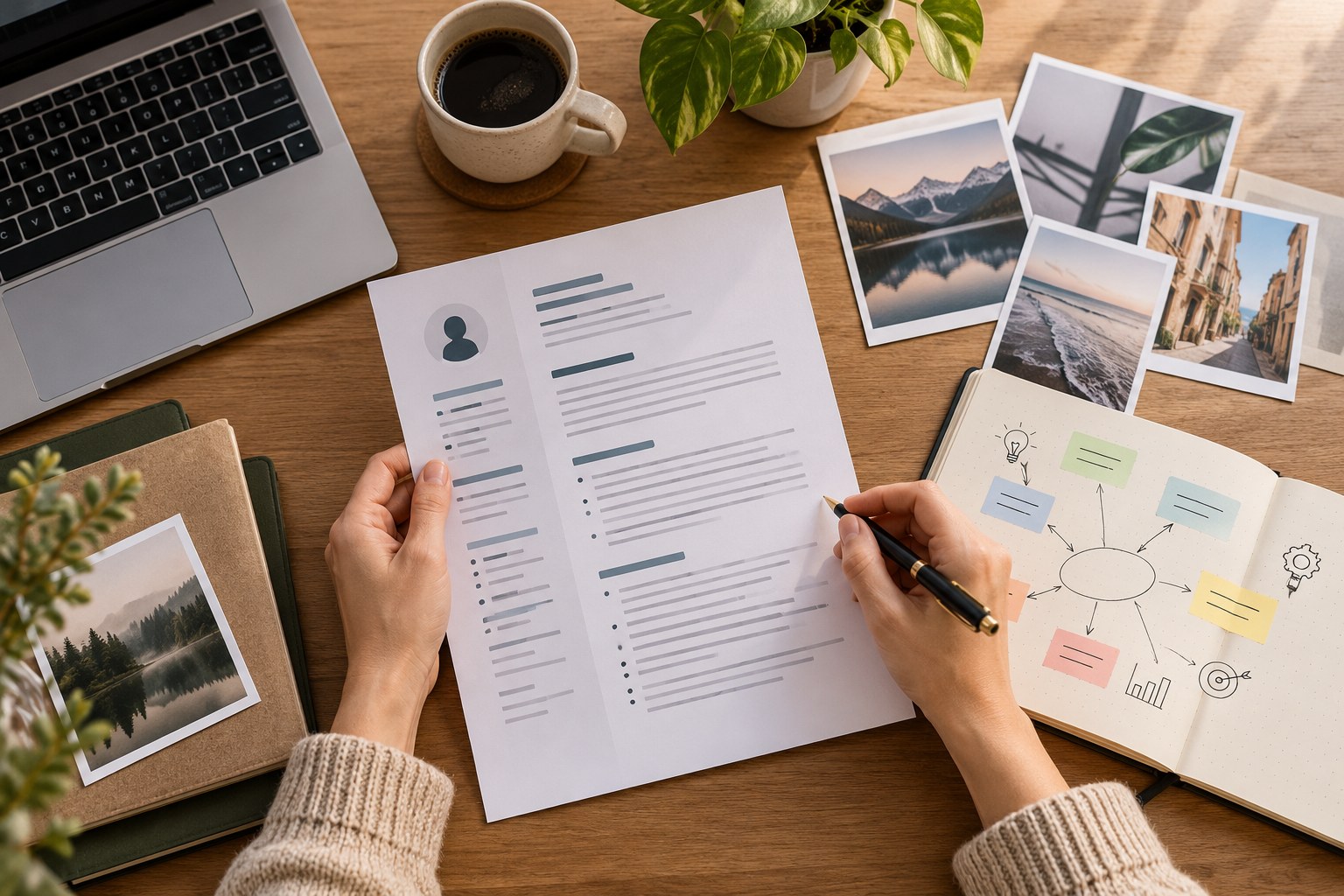
You do not need to find a computer before preparing a CV. A phone can produce a clear document too, but a small screen can hide long lines, clipped headings and contact mistakes. Prepare your information before choosing a design. Creating a free CV then becomes a manageable sequence rather than repeated trips between form fields. What matters is the document the employer receives, not how attractive the editing screen looks.
Collect the information in one note
Separate contact details, employment dates, education, courses and skills. Check months and years against your records instead of guessing. Inconsistent dates can cause confusion during an interview. When creating a free CV, missing facts usually take more time than choosing colours. Have the details ready before opening the builder so that you can focus on relevance.
Choose a restrained photograph
If you use a photo, show your face clearly with even lighting and an unobtrusive background. A social-media filter or a crop from a group picture can weaken the presentation. A photograph is not required for every vacancy: read the instructions first. Do not include identity documents, bank information or unrelated private details in the CV.
Use concise, specific descriptions
Describe a role in three or four meaningful points. Instead of “worked with customers”, explain the activities: accepted orders, tracked deliveries or prepared daily reports. Add figures only if you actually measured them. A free CV template cannot invent experience for you. Its purpose is to make genuine responsibilities and achievements easier for a reader to understand.
Select a structure for the role
A decorative template may look appealing on a phone but consume too much space in a PDF. Use a restrained layout for substantial experience and visible project sections for an early-career profile. Do not shrink the type excessively to force one page. Put the information most relevant to the vacancy first rather than following a layout mechanically.
Open the downloaded PDF separately
After downloading your free CV, open it in the phone’s file viewer. Inspect every page, including the bottom: are contacts, dates and the final section complete? Can you select the text? Use a clear filename such as Name-Surname-CV.pdf. If possible, check another screen too. Confirm that the downloaded document matches the preview rather than trusting the editing form alone.
Adapt it before sending
Sending an unchanged free CV to every vacancy is convenient, but the first skills may not suit the role. Highlight customer communication for sales or accounting tools for a finance position. Put the job title in the email subject and check the attachment. A WhatsApp application also benefits from a short introduction and a clearly named document.
Frequently asked questions
Can a CV made on a phone look professional?
Yes. Accurate information, a readable structure and PDF checks matter more than the device.
Is one page always enough?
No. Two readable pages can be preferable to one overcrowded page when the content is relevant.
Final checklist
- Contact details are correct.
- No PDF section is clipped.
- The content matches the vacancy.
- The file opens and has a clear name.
Next step
Choose a free template and build a CV with your information.