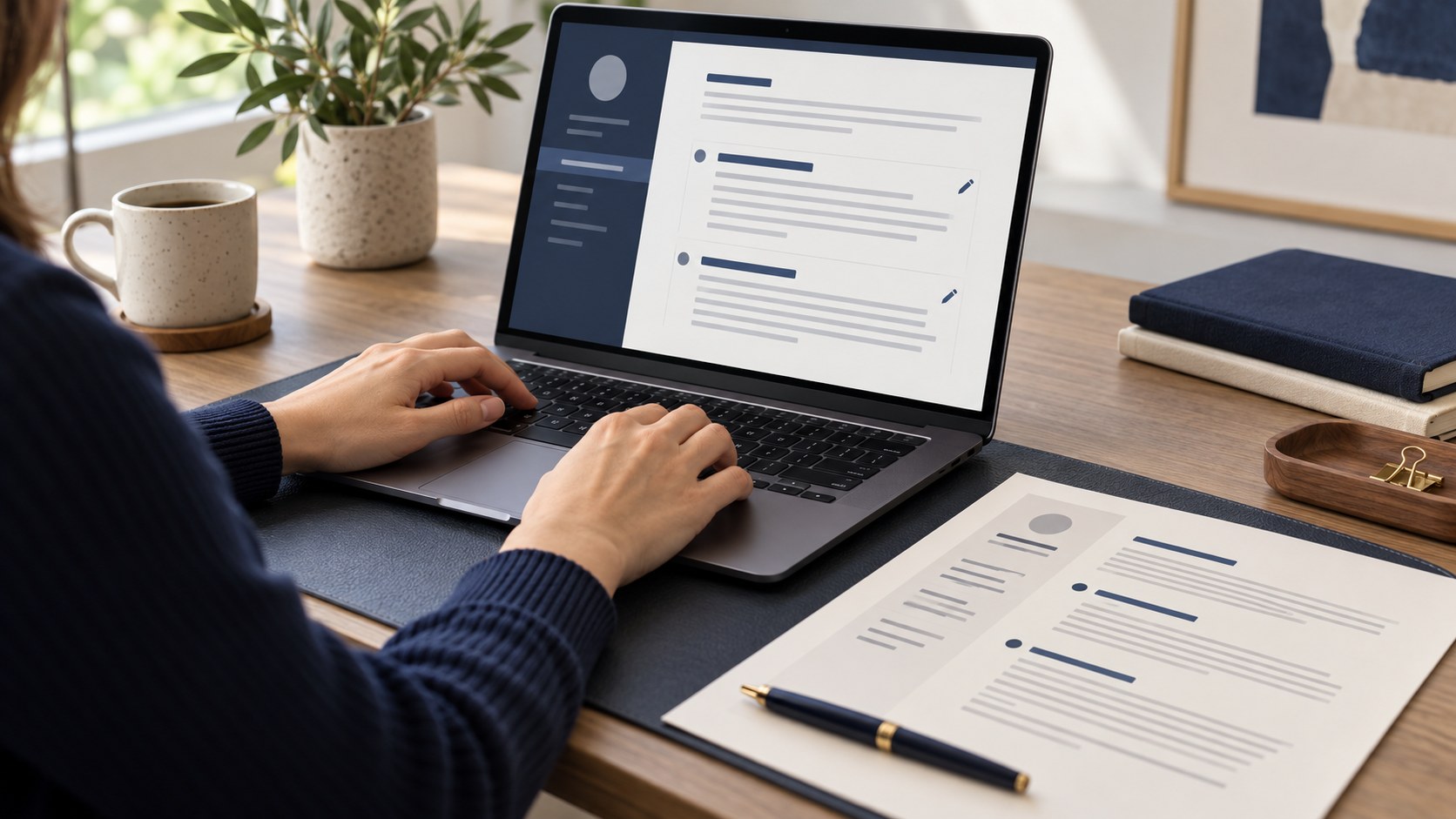
A layout should reveal the important facts
A template presents your experience; it does not replace it. A reader should find your name, target role and work history without searching across the page. When decorative elements make that difficult, an attractive design is not doing its job. Compare templates using your actual information. A short demonstration document can look balanced simply because it contains very little text.
Check the hierarchy between your name, role, section headings and body text. When everything has the same size and weight, the reader loses a clear path. Ask whether the design makes your relevant experience visible or squeezes it into a narrow area. Smaller text is not a reliable solution to a poor structure. Consider changing the layout or shortening unnecessary detail instead.
When a single column is useful
A single-column CV preserves a top-to-bottom sequence. It can suit substantial work history, formal positions and employers asking for a straightforward document. This does not guarantee successful processing by every system. The file format and export method matter too: even a simple page can become an image-based PDF.
Content is especially visible in a plain layout. Repeated generic statements cannot hide behind a colourful sidebar. Give each section its own job. The introduction explains your direction, experience shows actions and skills name supported tools. Do not add unnecessary paragraphs simply because there is space left on the page. Useful whitespace helps the reader distinguish information and does not mean the CV is incomplete.
How to divide a two-column CV
A sidebar can hold contacts, a concise skills list and languages. Keep the main area for work and projects. Long descriptions of important responsibilities are difficult to read in a narrow column. Test the order of text copied from the exported PDF; neighbouring visual blocks may extract in a different sequence.
A growing skills list can overcrowd the sidebar. Choose relevant items rather than every program you have encountered. Language levels can be stated clearly without percentage bars. If an application portal requires a particular structure, prepare a suitable version rather than assuming a visually polished two-column file will be processed as intended. Follow the actual instructions before following a design preference.
Creative design does not replace a portfolio
A designer may benefit from a distinctive presentation. Still, working links, project goals and your personal contribution matter more than decoration. A large portrait or unusual typeface does not prove a professional outcome. The CV needs to remain readable, while the portfolio explains the work and how it was created.
One accent colour is often enough. Use it consistently for headings or links rather than changing colour in every section. Check the document in monochrome: pale grey text should not disappear. Important information should not depend on colour or an icon alone. A clearly labelled telephone number is more useful than a symbol whose meaning the reader has to guess.
Review the mobile view and export
Liking the template on a large screen is not the final check. Open the exported PDF on a phone and inspect contacts, small text, missing lines and oversized blank areas. A heading should not sit alone at the bottom of a page while its section begins on the next. Adjust the wording and layout together.
In CVyukle, compare templates with the same genuine information. You do not need to abandon a familiar, useful structure just for novelty. After changing the design, check photographs, links, dates and every section again. If the file's text cannot be selected, consider whether it satisfies an application that requires machine-readable text. Appearance and technical suitability need separate reviews.
Choose for the actual application
Ask three questions: is relevant experience easy to find, is the page comfortable to read and does the file follow the employer's instructions? A simple template that meets those tests is a practical choice. A premium name or expensive appearance cannot promise employment. The layout helps present real evidence more clearly.
It can be useful to save both plain and visual versions. Check the instructions before using either, distinguish them in filenames and record which one you sent. This prevents confusion during an interview when the employer is reading a different version. Accurate content, working contact details and a suitable format usually deserve attention before another round of colour changes.
Final checklist
- Relevant experience has enough readable space.
- Font size and contrast have been reviewed.
- The template has been tested with real information.
- Mobile reading and page breaks work.
- The file follows the application instructions.