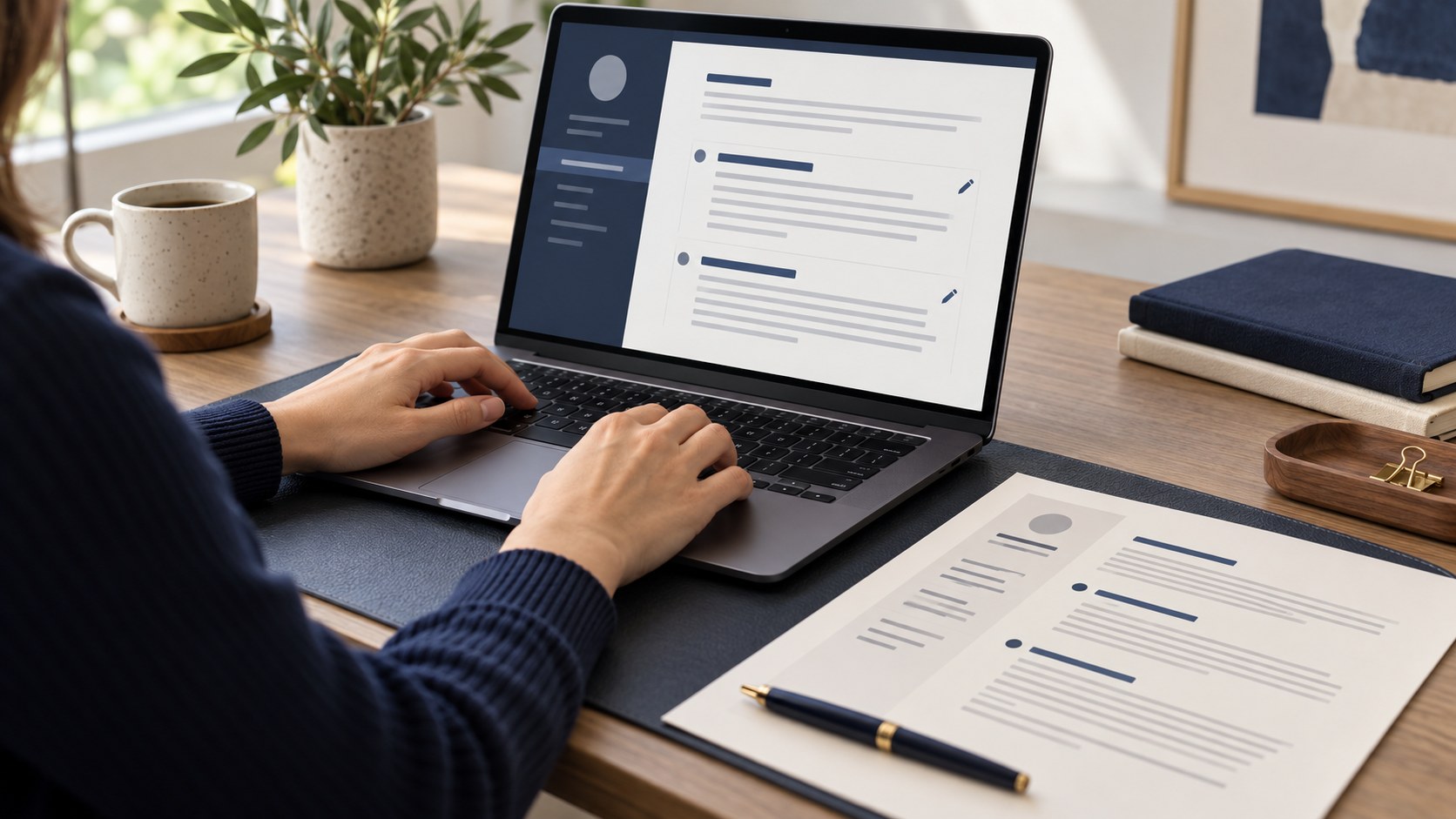
Creating a free CV involves more than choosing an attractive template. When an employer uploads your resume into an applicant tracking system, the information needs to remain readable. Different ATS products and recruitment workflows behave differently; no universal template guarantees a score. A few checks after building your online CV can still reveal missing contact details, separated dates and text extraction problems before you send an application.
1. Check the text layer
Save your online CV as a PDF, select a sentence, copy it and paste it into a plain text editor. If the words remain intact, the document contains a text layer. If selection is unavailable, the file may be a single image. This test does not certify compatibility with every ATS, but it helps distinguish a scanned document from a text PDF. Check Azerbaijani characters, the plus sign in your phone number and your email address separately.
2. Test the reading order
Copy the entire resume into an empty document and read it from top to bottom. In a two-column design, dates may become detached from job titles, or skills may appear between unrelated work descriptions. If the meaning breaks down, a single-column template is a more predictable option. Human visual reading and software extraction are different. A useful free CV template keeps the employer, role, dates and achievements connected rather than merely looking polished on screen.
3. Choose familiar headings
Use clear headings such as Work experience, Education, Skills and Contact details. Creative titles can work in a portfolio, but they should not hide the purpose of a resume section. Keep each employer, job title, period and description together. For example, the dates 2023–2025 should visibly belong to one role rather than sit in an isolated block. Consistent date formatting makes the document easier for both recruiters and software to follow.
4. Connect keywords to genuine experience
If the vacancy asks for Excel, customer service and stock reporting, include only skills you have actually used. Hidden white text and repeated keyword lists do not replace experience. Explain the context instead: updated stock reports in Excel and shared them with the sales team. This shows where the skill was applied and remains useful to a human reader. Do not add a technology simply because it appears in the advert; you may need to discuss it during an interview.
5. Keep contact details as readable text
Your name, phone number and email should not depend on interpreting an icon. Check the country code, spelling and portfolio link. Avoid placing essential details inside a decorative image. Identity document numbers, bank information and a full home address are generally unnecessary for an initial application. Review any employer-specific request separately. If you publish your CV openly, think about which personal details genuinely need to be visible to every visitor rather than just a recruiter.
6. Follow the requested file format
If the vacancy asks for DOCX, a convenient PDF does not override that instruction. When PDF is accepted, open the document on a phone and a computer, checking page breaks and links. Use a clear file name such as Name-Surname-Role-CV.pdf. After creating a free CV with CVyukle, review your own information rather than leaving template examples in place. Keep a copy of the exact version you submitted so your interview preparation matches what the employer received.
Frequently asked questions
Must an ATS resume fit on one page?
No. Relevant, readable information matters more. Two pages can be justified for an experienced professional; repetition should not be added merely to fill space.
Does a successful copy test guarantee acceptance?
No. It checks text readability, not suitability for the role. Requirements, experience and the employer's recruitment process still matter.
Final checklist
- PDF text can be selected and copied.
- Sections and dates retain a logical reading order.
- Phone, email and portfolio links work.
- Skills reflect real experience and template examples have been replaced.
Next step
Choose a free template and build a CV with your information.