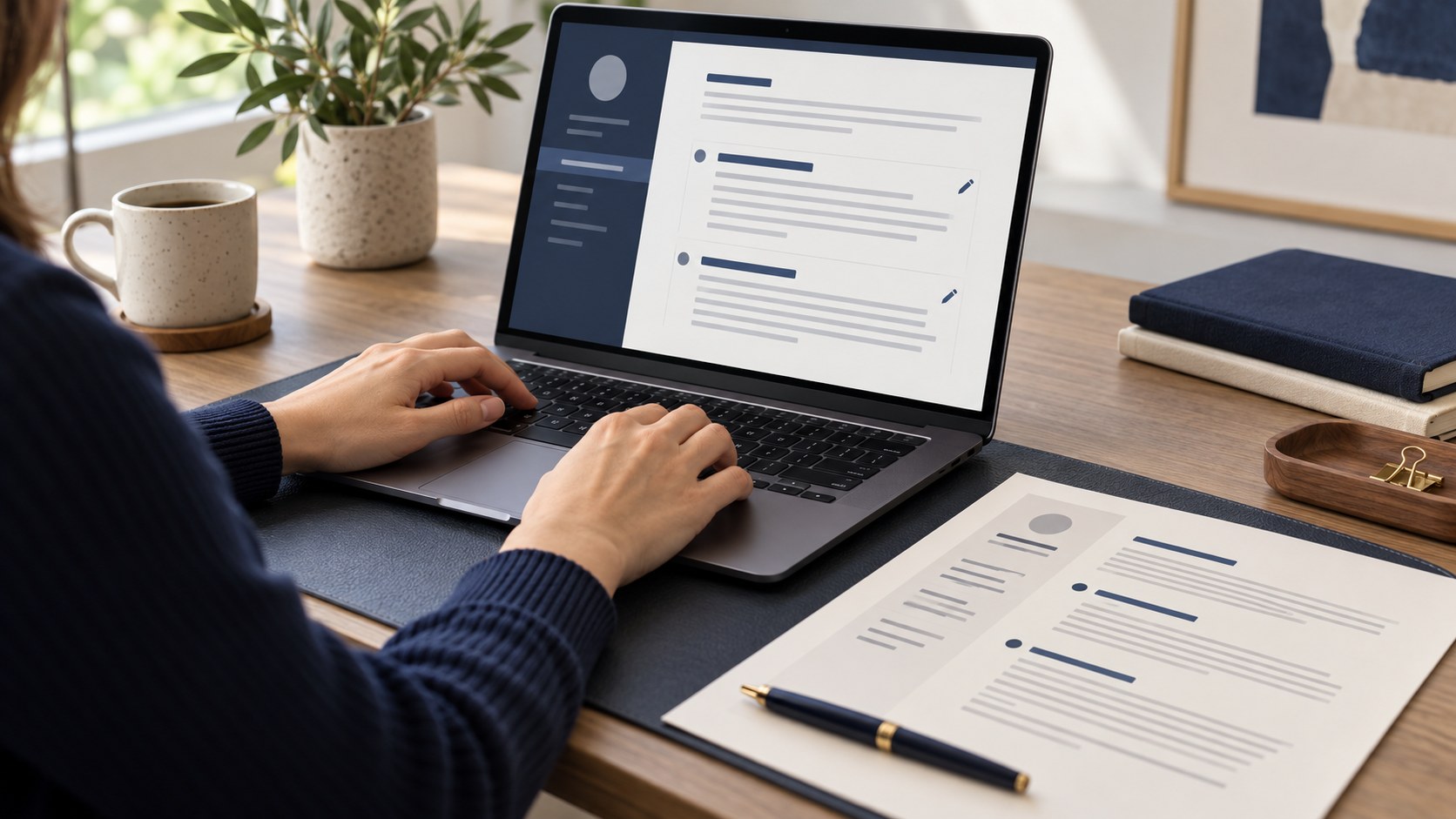
Applying for several roles quickly creates a collection of similar CV files. One may contain an old phone number while another still emphasises the previous vacancy. Creating another folder is not enough. Clear filenames and a brief sending check reduce the chance of mistakes and help you remember exactly what each employer received.
Keep one source of factual information
Maintain accurate employment dates, education, contact details and verified achievements in a main document. Build role-specific versions from it instead of reconstructing details from memory. Distinguish a factual correction from a presentation change. An updated phone number belongs in every active version; a different order of achievements may be relevant to only one application.
Give the filename a clear purpose
Choose a short convention containing your name, the role and a date, such as Ad_Soyad_Sales_2026-10.pdf. Labels like final, final-again and final2 do not explain the document’s intended use. Avoid including identification numbers or unnecessary sensitive information. If the employer requests a particular filename, follow that instruction before applying your own system.
Adapt emphasis without changing facts
A sales application can highlight client work, while an office role can give more space to documentation and coordination. Neither requires invented titles, dates or performance figures. The aim is to present the relevant part of real experience clearly. Keep a short note of changes so your interview examples match the version the employer has actually seen.
Reopen the exported PDF
Check page breaks, Azerbaijani characters, contact details and links after exporting. A document that looks correct in the editor may still need adjustment in the final file. Compare the filename with the first-page heading. No format guarantees identical handling in every recruitment system; use the format requested by the particular application form as your starting point.
Compare three things before sending
Review the vacancy title, your message and the attached PDF together. Open the actual attachment rather than a similar copy in a nearby folder. Check any file-size limit. Preserve the version you sent and do not quietly replace its contents later. It is your record of the application and a useful reference when preparing for an interview.
Maintain a small application log
A table with company, role, sending date and PDF filename is enough. This is particularly helpful when several conversations are progressing at once. After preparing a document with CVyukle, still inspect the export and attachment. Attractive presentation is useful only when it accompanies accurate information and the correct version of your CV.
The cover is an AI-generated illustration.